



Description
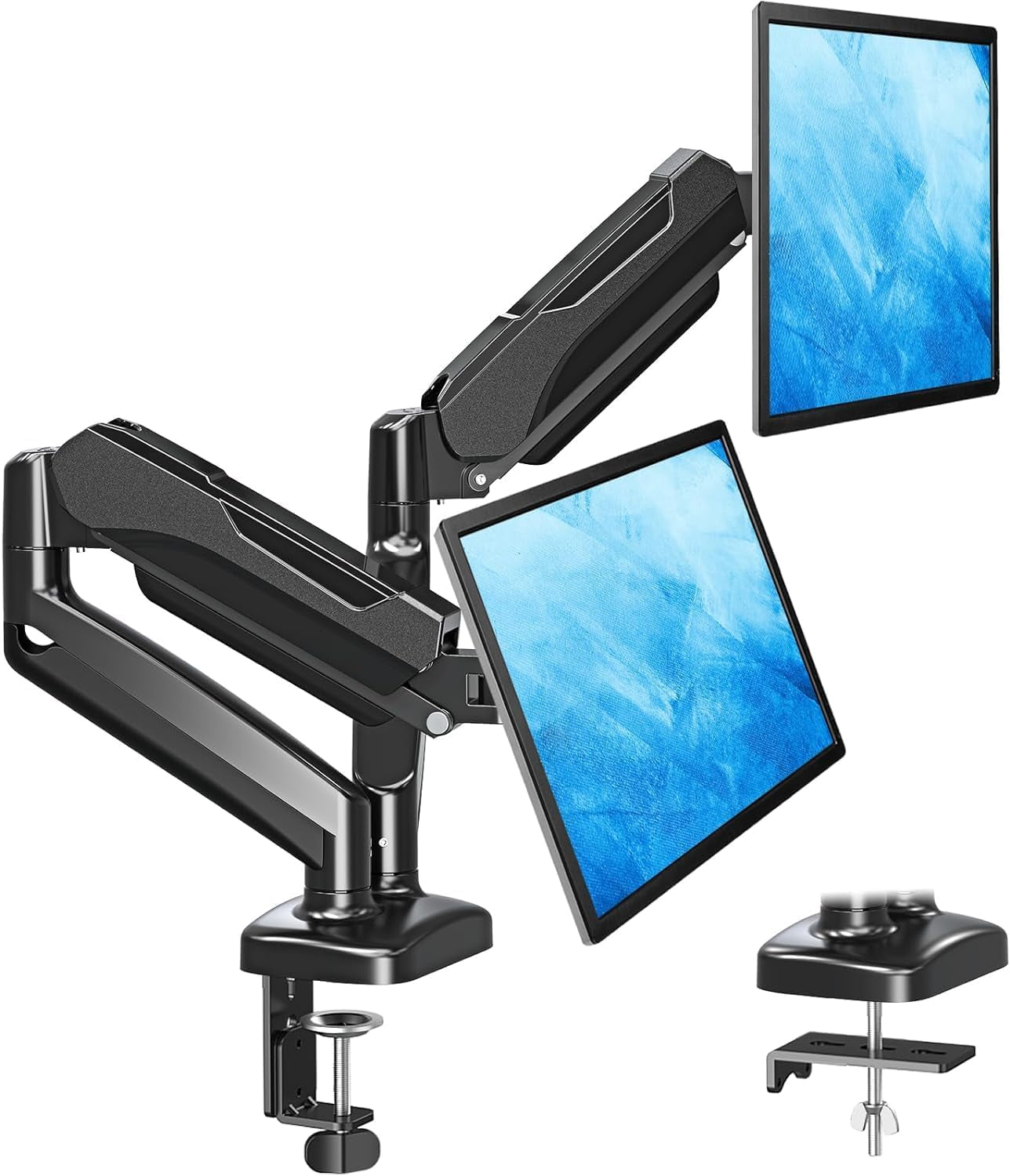
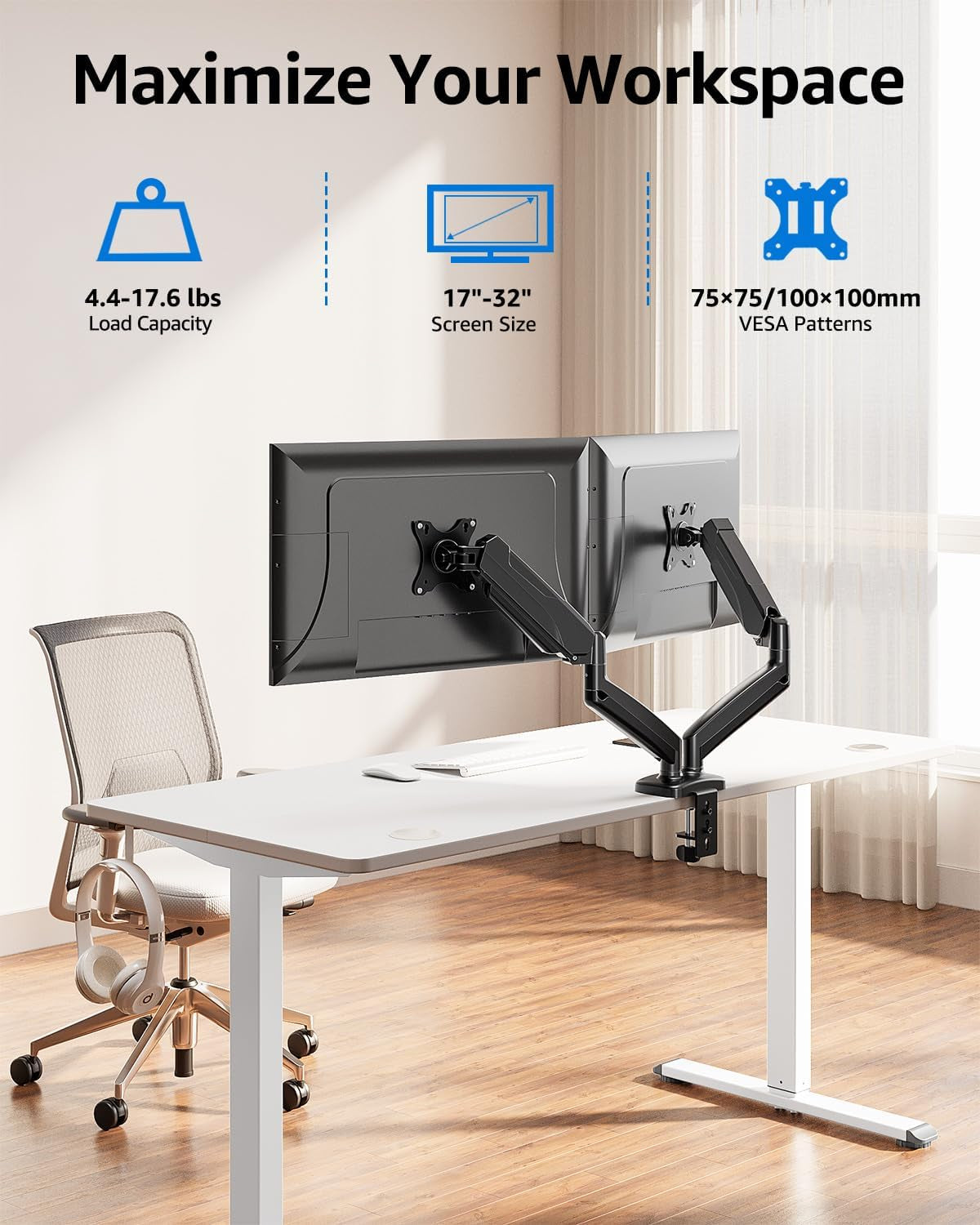
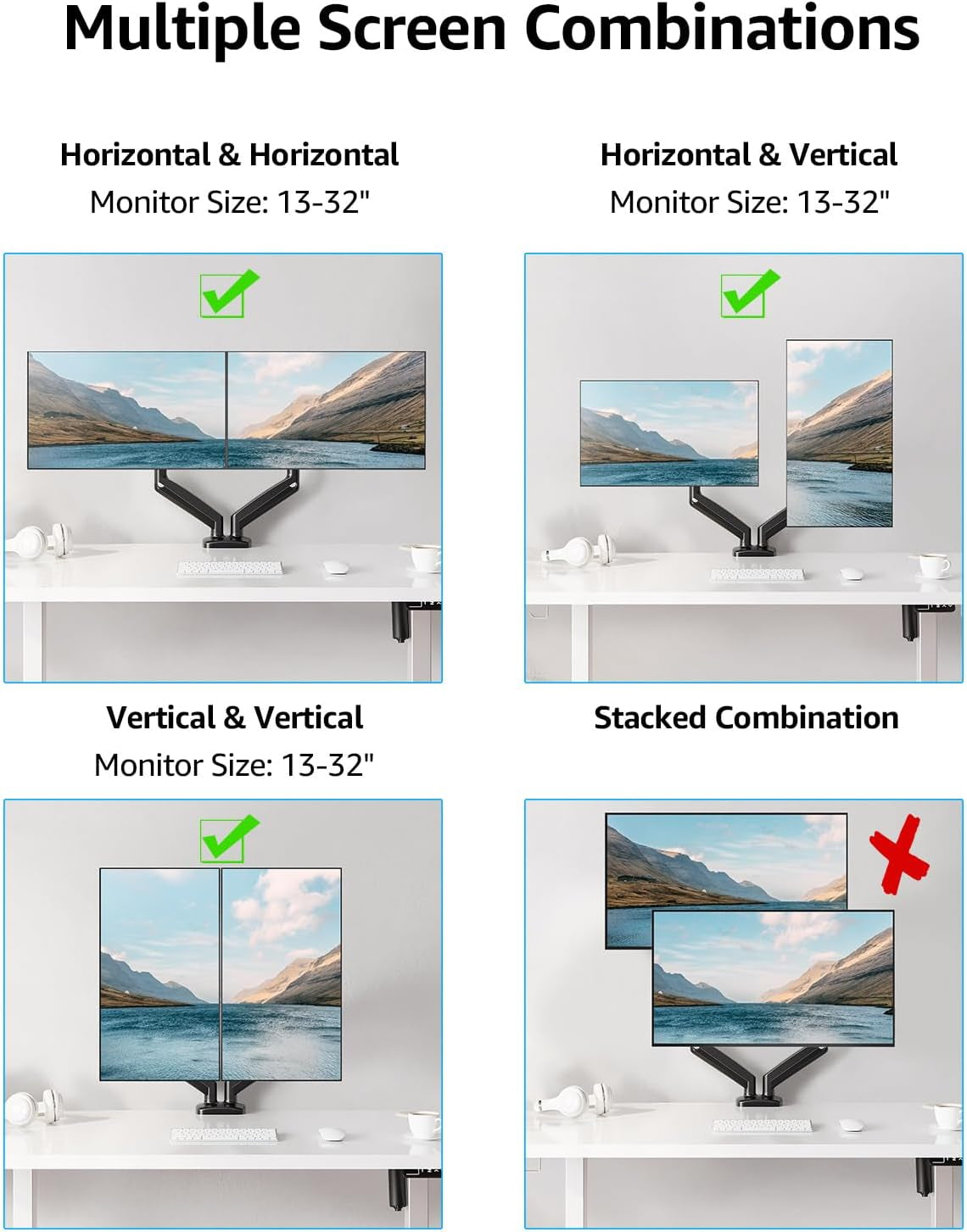
- Universal Monitor Desk Mount - The dual monitor mount fits screens 4.4lbs - 17.6 lbs in weight and 17-32 inches diagonal; compatible with VESA patterns 75x75 mm and 100x100 mm. Double-monitor users need a break, too. Let's not let the strain be in the neck and back regions of the body. Enjoy the benefits of monitors that float above your desk and see how much space and productivity you can gain.
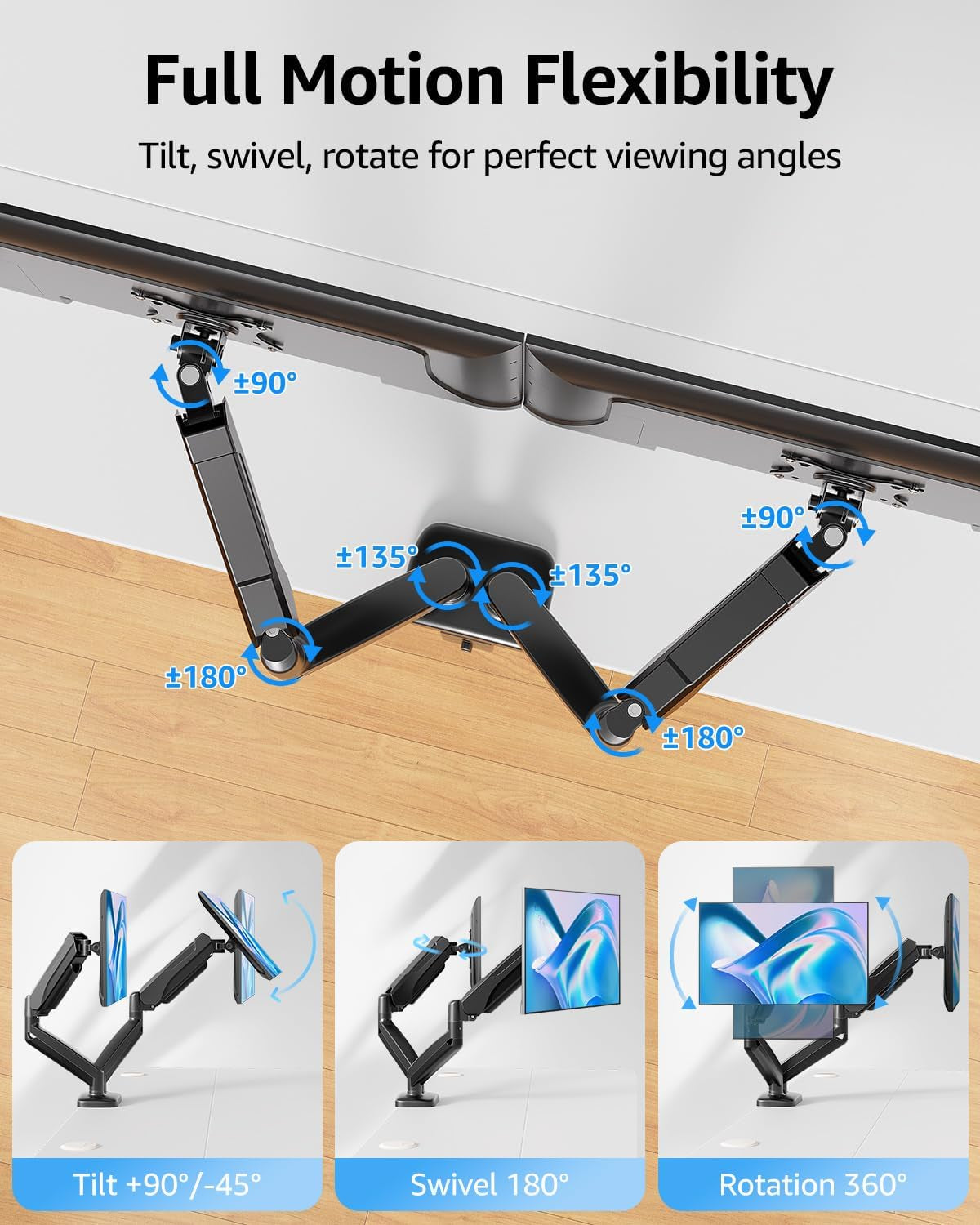
- Full Motion Monitor Arm - Provides flexible, independent positioning of both monitors in a clean aesthetic to complement any office environment. The dual monitor arm allows you to customize how you work or collaborate with 135° tilt, 180° swivel, and 360°rotation (from portrait to landscape). Each connection of the arm is adjustable. You'll be able to pose your screen where you want it.
- Quick Installation - Easy assembly with the C-clamp or grommet base. The C-clamp fits the desktops 0.39" - 4.53" thick and the grommet mounting fits the desktop 0.39" - 3.15" thick with a bolt-through hole 0.39" - 2.36".
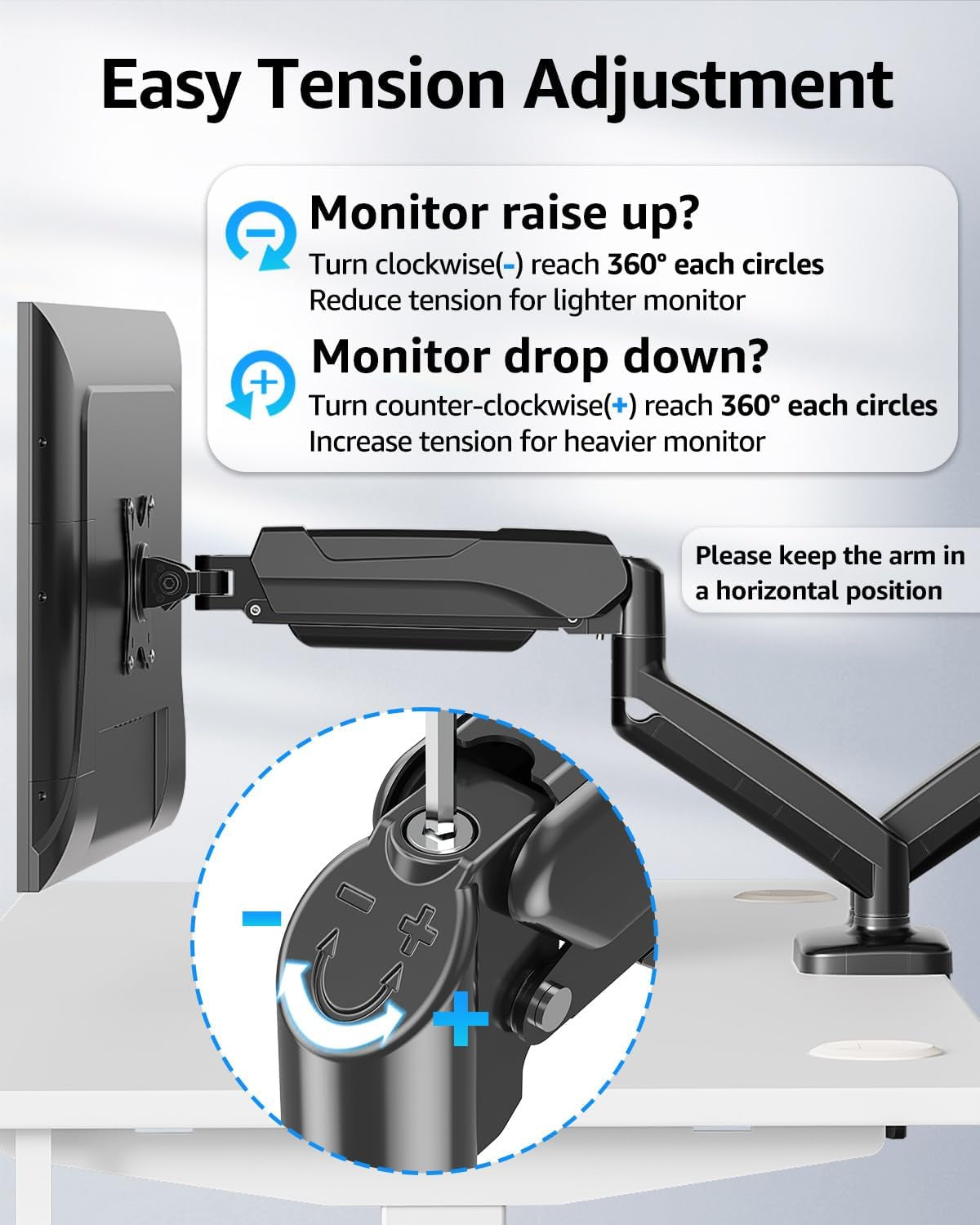
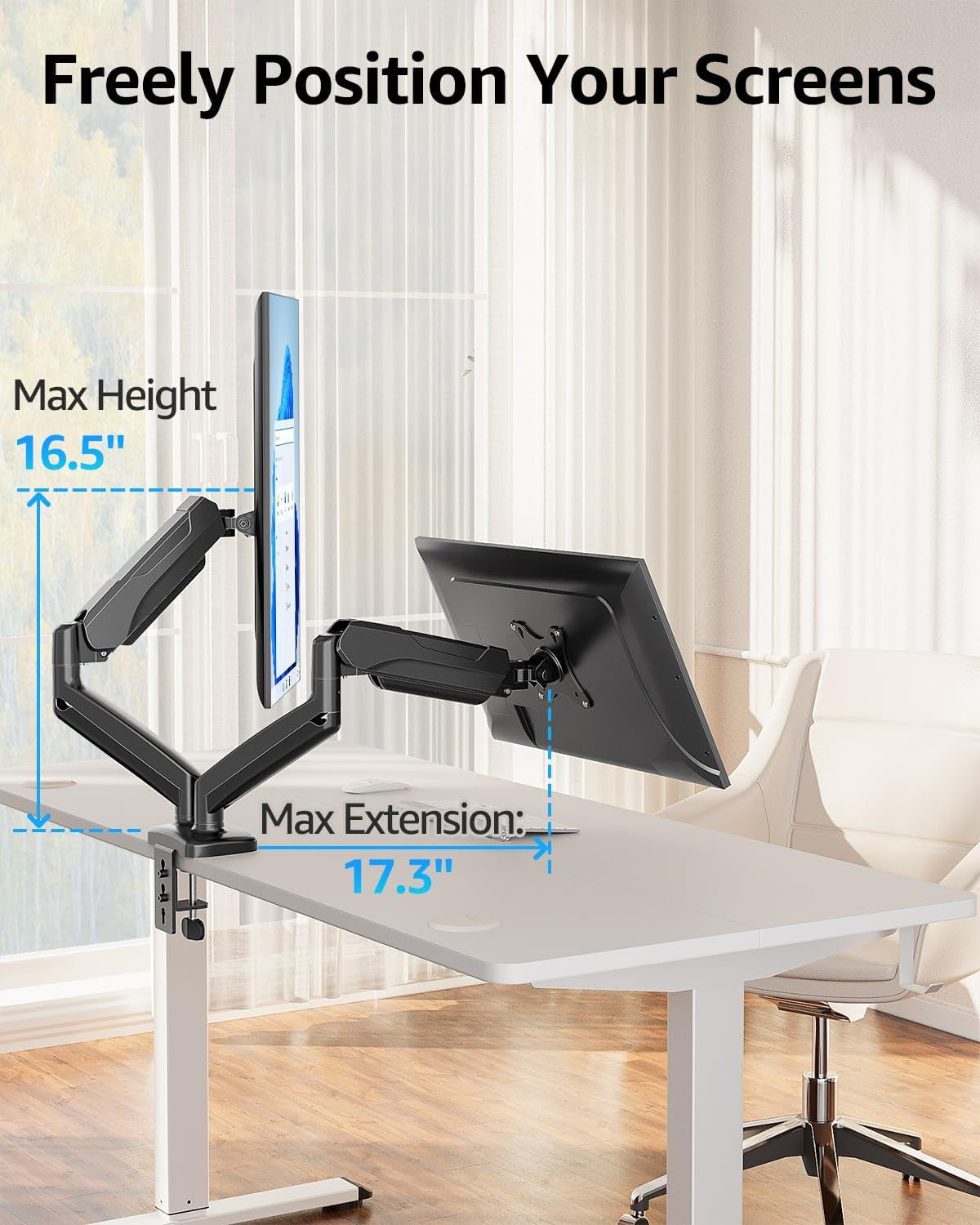
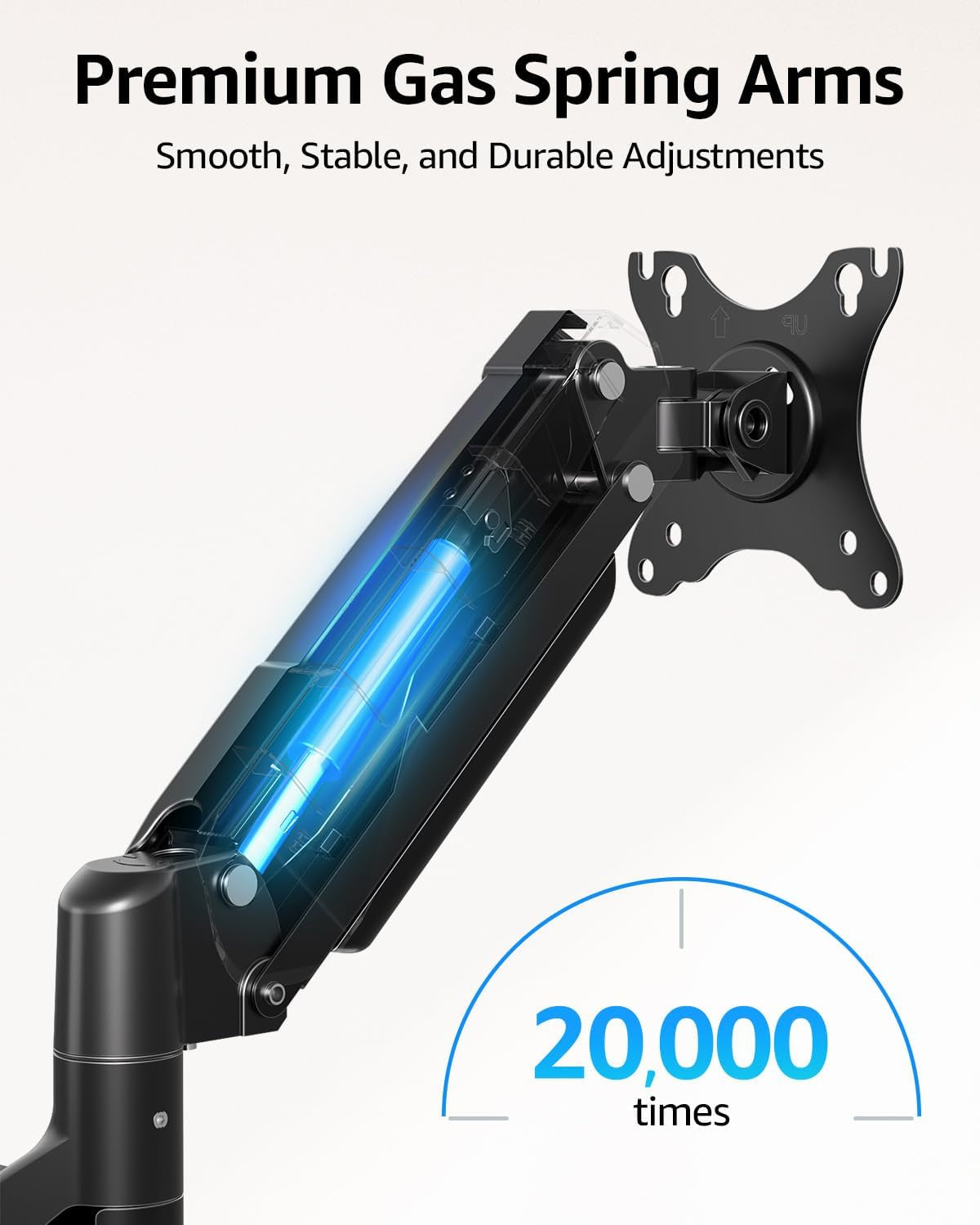
- Premium Pneumatic Arms - Extensive quality testing ensures your computer monitors stay stable and secure. The monitor arm offers full monitor movement with 19.9" of arm extension and 9.4'' of height adjustment range. The dual monitor arm with a pneumatic system provides smooth and durable adjustments. Please adjust the tension of the pneumatic arm properly according to the weight of your monitor.
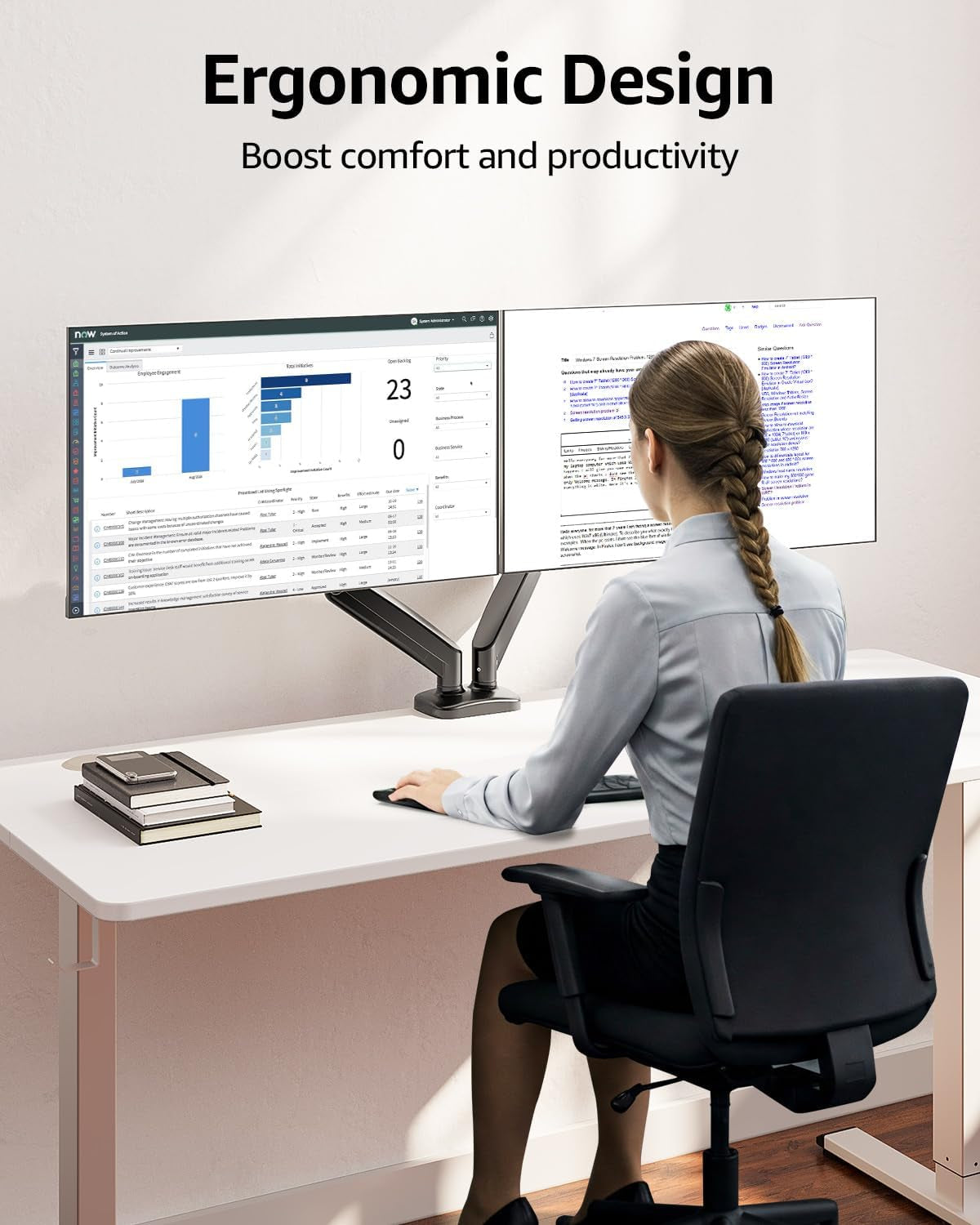
- Professional Space Saver - The dual monitor mount with cable management, conceals wires within arms and frees up more desk space by holding 2 monitor arms. Getting your monitors off your desktop will provide you with extra room for your favorite desk decor. Just enjoy your working, gaming, or viewing hours in a more comfortable environment.
Product description
MOUNTUP Dual Monitor Stand - Elevate Your Workspace
Two Screens, One Perfect View – Adjustable Dual Monitor Mount for Seamless Multitasking.
Tension And Tilt Adjustment
Important Note: The gas spring is pre-set to medium tension(Not applicable to all displays). You will need to refer to the figure above and adjust the tension according to the weight of your monitor once the monitor is hung on.
-
The VESA plate is oriented crookedly. How to solve it?
If the VESA plate is not in the right position, please hold it with both hands and rotate vigorously to make up arrows pointing up. You could refer to the third video on the detail page. Please don't worry. This is normal.
-
Why does not the arm stay in the position needed?
Please note that when out of the factory, the value of the gas spring is generally adjusted to the minimum value which makes the arms lean forward. You could refer to the instruction manual to adjust the value according to the weight of your monitor.
-
When the monitor keeps tilting down, how we can solve it?
You could adjust the tilting bolt for the monitor.
1. Loosen the bolt 1-2 turns with the Allen Key
2. Hold the monitor with both hands and adjust it to the right position
3. Tighten the bolt firmly with the Allen Key
-
When the tension on the arm does not work at all, how we can do?
Please tell us ASAP and we will send you the new spare parts.
MOUNTUP Gas Spring Monitor Arm
| Customer Reviews | 4.4 out of 5 stars 6,370 | 4.6 out of 5 stars 172 | 4.5 out of 5 stars 882 | 4.6 out of 5 stars 190 | 4.5 out of 5 stars 292 | 4.4 out of 5 stars 7 | 4.3 out of 5 stars 238 |
| Price | $37.99$37.99 | $37.99$37.99 | $34.19$34.19 | $89.99$89.99 | $39.99$39.99 | $9.99$9.99 | $17.99$17.99 |
| Fits screens size | 17‘’-32‘’ | 17‘’-32‘’ | 17‘’-32‘’ | 22-39'' | 22-42'' | 17’’- 35" | 19‘’-32‘’ |
| Max load per arm | 17.6 lbs | 22 lbs | 22 lbs | 33 lbs | 33 lbs | / | 17.6 lbs |
| Tilt Range | +90° to -45° | +70° to -45° | +70° to -45° | +90° to -45° | +90° to -45° | -25° to +25° | / |
| Swivel Range | 180° | 180° | 180° | 180° | 180° | 180° | / |
| 360° Rotation | ✔ | ✔ | ✔ | ✔ | ✔ | ✔ | ✔ |